I've tried tracking expenses more than ten times. Every time it starts with "This time I must figure out where my money goes," then I stick with it for two weeks, give up, and delete the app.
This time I tried "Little Moments," and I didn't have high expectations at first. But after using it, I found that it doesn't put all its effort into "calculating money"; instead, it's more like a life recording tool that conveniently helps you organize your finances. This positioning actually helped me stick with it.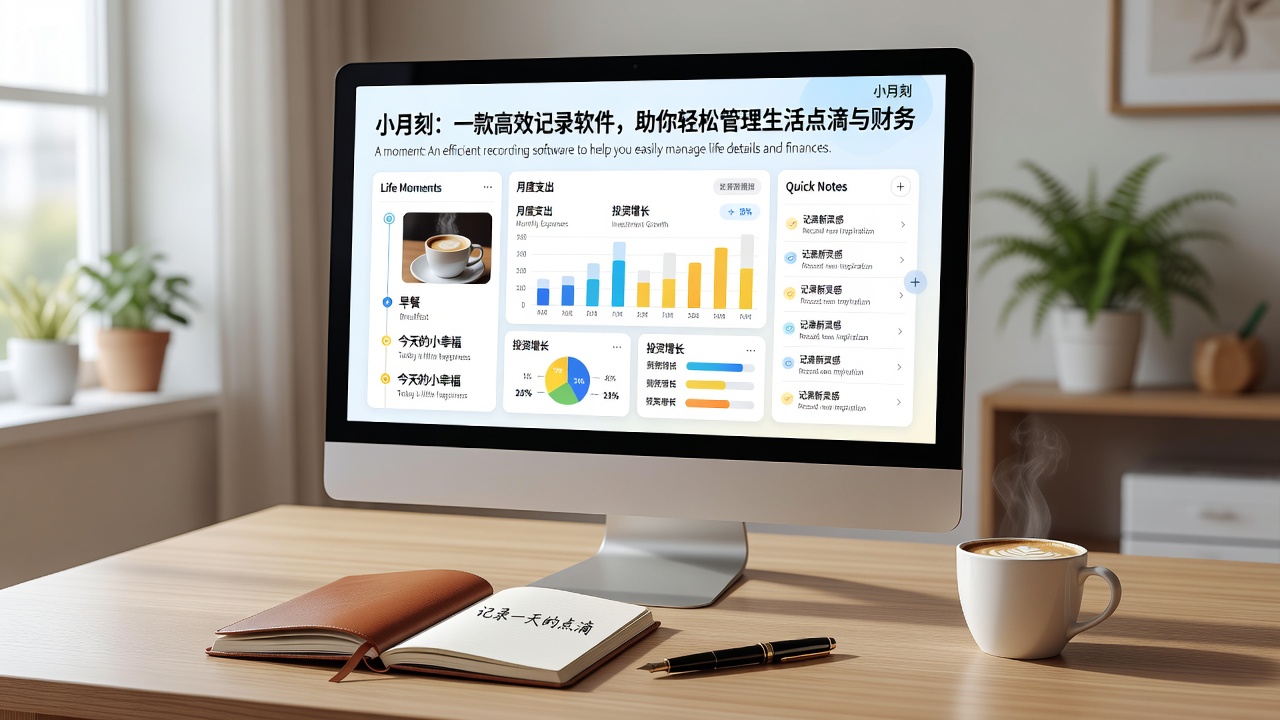
What makes it different from ordinary expense tracking apps
Most expense tracking apps immediately ask you to create categories, set budgets, and enter amounts. Little Moments starts simply: you enter an expense, and it uses AI to categorize it. For example, if you type "coffee 25," it automatically categorizes it as food and drink; type "taxi 18," it goes to transportation. Basically, you don't need to manually select.
This seemingly small feature is actually the biggest barrier preventing people from consistently tracking expenses—many people don't want to track not because they can't, but because it's too troublesome. A few fewer clicks, and the persistence rate goes up a bit.
Another difference is the "diary + ledger" combination. Little Moments allows you to record expenses for the day and then easily jot down a couple of thoughts about today. On the surface, it seems like a stacking of features, but in actual use, this design naturally increases the frequency of opening the app. You're not opening it just to track expenses; you're opening it to record what happened today, and you track expenses along the way.
A few real scenarios to see if it actually works
Scenario 1: Just want to figure out how much I spend on eating each month. Little Moments' AI budget feature automatically analyzes your food and drink spending over the past few weeks and gives you a suggested limit. If you've been eating out too much this week, it gently reminds you on the interface without causing anxiety. Suitable for those who "don't want to be controlled by money, but don't want to overspend."
Scenario 2: Recording daily life and moods at the same time. I have friends who keep a diary and expense tracker in separate apps, and neither ends up being maintained. Little Moments puts both in one place. The diary can include pictures, and expenses can be checked anytime. For people who like to look back and reminisce, this sense of integration is quite comfortable. However, its diary feature isn't very "refined"—no font templates or formatting. If you're after a bullet journal feel, you might be a bit disappointed.
Scenario 3: One person managing small household expenses. This isn't designed for shared family management; it's more personal. If you frequently use multiple devices (work and personal), note that its sync relies on iCloud, and sometimes you might notice that after recording on an iPad, the phone refreshes a bit slowly. Multi-user simultaneous tracking is not currently supported.
Think about these three questions before deciding to use it
1. Are you really willing to open it consistently? Little Moments lowers the barrier to tracking expenses, but the core still relies on "recording every day" to work. If you can't even spare 30 seconds a day to tap, no app can save you. It just makes things simpler, not does it for you.
2. Do you trust AI to categorize for you? Little Moments' automatic categorization accuracy is not low, but there are occasional deviations, like categorizing "hospital registration" as "transportation." Manual adjustments are needed. If you have a strong desire for control over categorization and prefer to choose each one yourself, its AI might actually be a distraction for you.
3. Do you need to export or migrate data? Little Moments' current data export options are quite basic, with no CSV or more open formats. If you're worried about being unable to extract data when switching tools, you might need to consider in advance whether you'll use it long-term.
The final truth
Little Moments is not the most feature-rich expense tracking app, nor is it the cheapest. It got one thing right: turning "tracking expenses" and "recording life" into the same habit. If you're someone who needs this kind of "convenience," it might suit you better than those serious financial tools. But if you're looking for a family financial statement accurate to two decimal places, I'd suggest staying away.
Whether you can keep using it ultimately depends on whether you're willing to spare 30 seconds a day for yourself.
Comments
Leave a Comment